Shared annotations
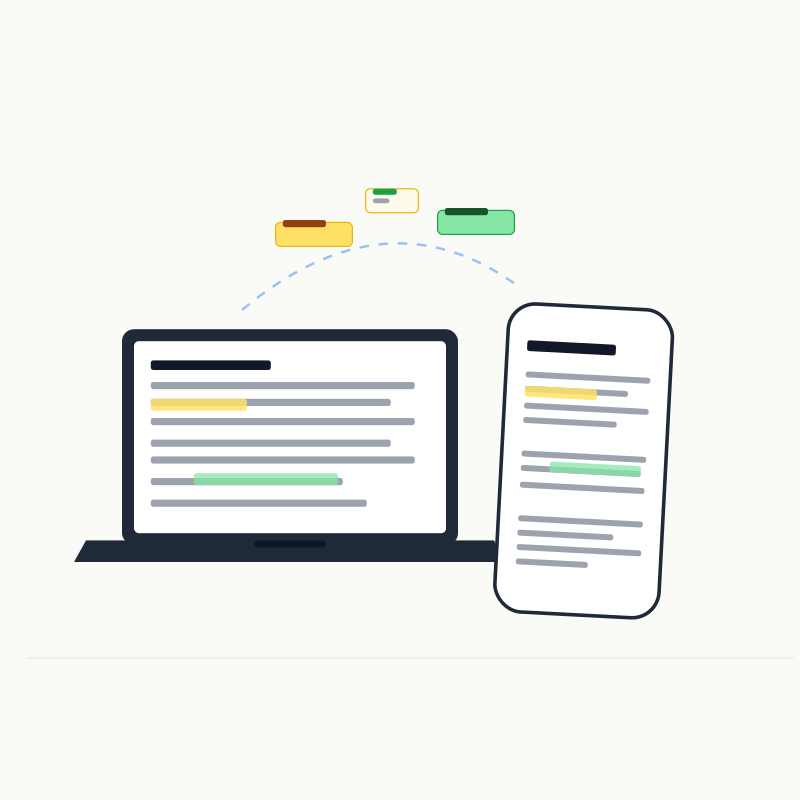
Shared is not a storage mode. Annotations and Viewed always live in local SQLite; enabling Shared lets unlocked collaborators use the same dataset and receive live events.
Enable
Turn on Shared from an admin workspace page or run:
markon set <ID|INDEX> shared onThree-color highlights, strikethrough, Notes, and H2–H6 Viewed state are shared. Ordinary fold state remains a per-browser UI preference.
Data flow
Browser A ── same-origin HTTP command ──▶ SQLite
                                              │
                                              ├── WebSocket event ──▶ Browser B
                                              └── WebSocket event ──▶ Browser C
WebSockets broadcast successful changes but do not accept database writes. Reconnecting clients reload authoritative server state rather than merging an offline copy.
Permissions
| Shared | Administrator | Collaborator |
|---|---|---|
| Off | Read/write review state | Read-only page |
| On | Read/write same state | Read/write after unlocking, with live sync |
Turning Shared off removes collaborator capability and broadcasting without moving or deleting records.
Multiple devices
markon docs/ \
  --host 0.0.0.0 \
  --public-base-url http://192.168.1.20:6419 \
  --collaborator-access-code guest-secret
markon ls can copy a collaborator URL only for workspaces with Shared enabled; it never includes admin bootstrap credentials.
The database defaults to ~/.markon/annotation.sqlite or %USERPROFILE%\.markon\annotation.sqlite and can be overridden with MARKON_SQLITE_PATH.
Shared works well for small-team reviews and multi-device reading. It does not provide per-user private annotations, RBAC, approval workflows, audit logs, or offline automatic merging. Back up settings.json and SQLite while stopped; use markon cleanup only after confirming orphaned data is no longer needed. See Data and privacy.