Product overview
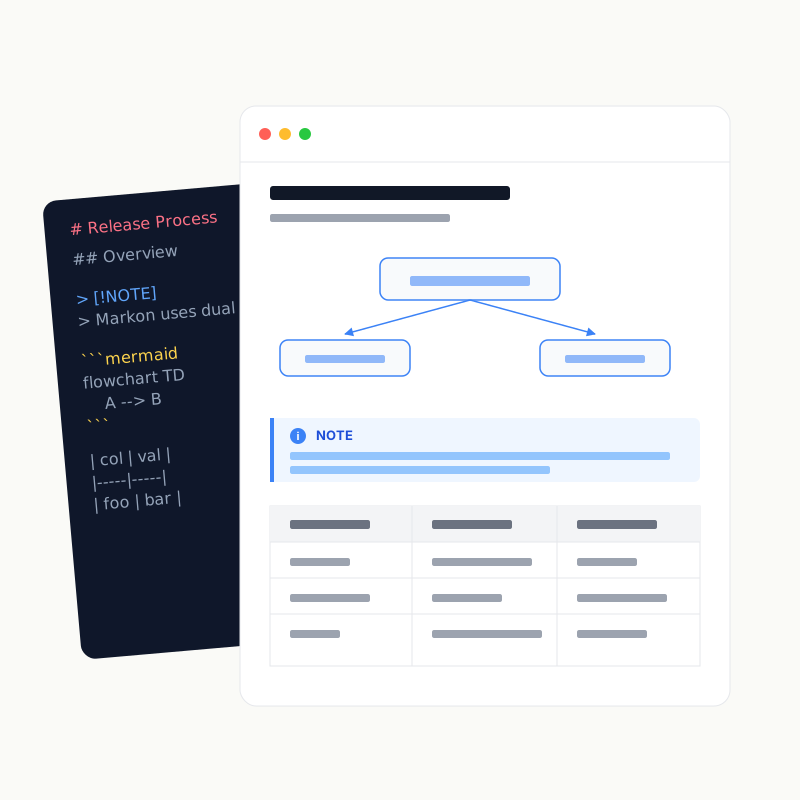
Help people and agents reach agreement in documents.
Design is rarely finished in one pass. It converges through review, revision, and review again. Markon is a Markdown IDE for people and agents to refine Specs together: read the current proposal, leave feedback or edit it directly, then review what changed in the next version—repeat until everyone agrees.
Markon is local-first. It turns a local file, directory, or Git repository into a browser workspace while the content remains on your own computer or server.
Problems it solves
Markdown often needs more than a quick preview:
- a long design document needs highlights, Notes, section progress, and focused printing;
- a repository needs cross-file search, history, and rendered diff review;
- documentation on a headless server needs safe access from a local browser;
- review participants need to follow the presenter's active section;
- a small typo should be editable without leaving the reading context;
- AI answers need workspace evidence and links back to the original source.
Markon brings these tasks into one Workspace instead of making you switch among a previewer, browser search, Git client, chat tool, and editor.
Core model
local file / directory / Git repository
                    │
                    ▼
            Markon Workspace
   browse · render · search · review
      edit · diff · live · chat
Every workspace has independent Search, Viewed, Edit, Live, Chat, and Shared switches. Administrators decide which capabilities are available; collaborators can only use enabled capabilities.
Two entry points, one service
Desktop app
The Tauri 2 desktop app is designed for everyday use:
- manage directory and single-file workspaces;
- configure default features, theme, language, shortcuts, database, and AI providers;
- remain available from the system tray;
- integrate with the macOS Finder toolbar and Windows file associations;
- receive Stable or RC updates.
CLI
markon is the terminal, SSH, and headless-server entry point:
cargo install markon markond
markon README.md
markon docs/
The desktop app and CLI connect to the same markond background service and share one workspace registry. See Architecture for details.
What it is
- A reading workbench: GitHub-style rendering, table of contents, visual zoom, shortcuts, and themes.
- A review workbench: annotations, Notes, Viewed state, folding, export, and section printing.
- A Git-aware workspace: branches, tags, history, and working/commit/compare diffs.
- A local collaboration surface: shared review state and Live following, stored on the Markon host.
- A constrained Workspace AI: file investigation, source links, and user-approved edits.
What it is not
- Not a static site generator: it does not provide the publishing model of MkDocs or Hugo.
- Not a knowledge-base notebook: it has no backlink graph, plugin marketplace, or cloud account system.
- Not a general programming IDE: its Markdown IDE workflow focuses on reading, review, comparison, and revision of Specs.
- Not a complete Git client: it does not fetch, pull, push, merge, or manage remote credentials.
- Not a multi-tenant authorization system: it separates Admin and Collaborator capabilities, but does not implement account-, team-, or role-level RBAC.
The actual local-first boundary
Rendering, search, Git, annotations, Viewed state, and Live all run locally. Only after a user configures and enables Workspace AI are messages, references, and tool-read context sent to the selected provider.
Continue with Getting started, Feature overview, or Data and privacy.