Markdown rendering
Markon parses Markdown into a Supramark AST and renders HTML on the server. Reading pages start from GitHub-like light and dark themes and add workspace tools.
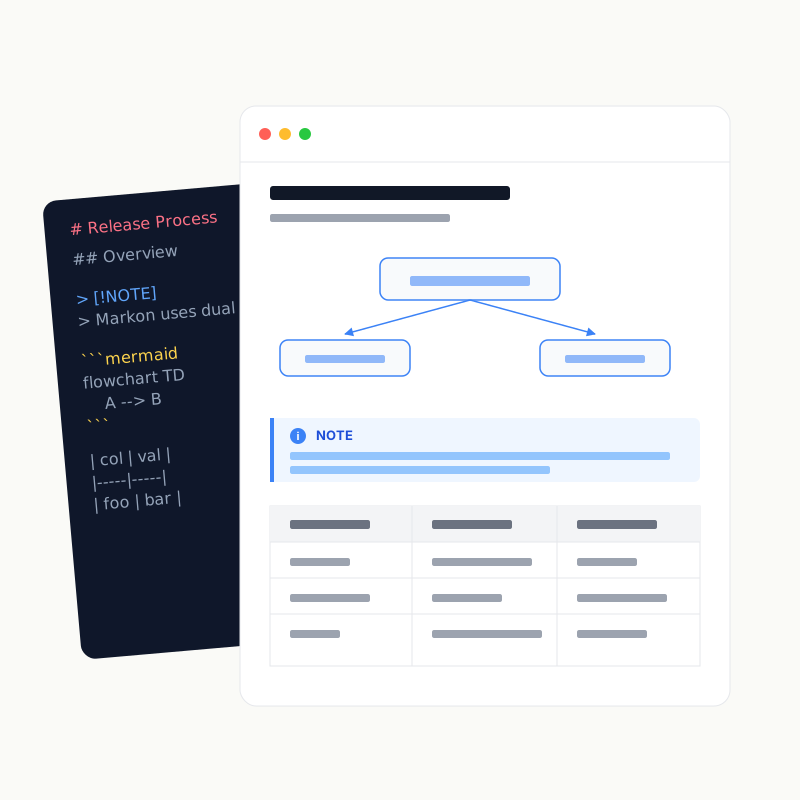
Text and structure
Supported content includes CommonMark, GFM tables/task lists/strikethrough, GitHub Alerts, footnotes, emoji shortcodes, syntax highlighting, inline and block KaTeX, and an H1–H6 table of contents. Source locations are retained so rendered selections can jump to the matching editor range.
Diagram engines
| Engine | Fences |
|---|---|
| Mermaid | mermaid, mmd |
| PlantUML | plantuml, puml |
| D2 | d2 |
| Graphviz | dot, graphviz |
| Vega | vega, vega-lite, vegalite |
| ECharts | echarts |
| Chart.js | chart, chartjs, chart.js |
Unavailable engines and invalid syntax produce a visible source fallback with a reason.
Full-screen visual viewer
Diagrams, images, and standalone SVGs can open in a viewer with wheel/button zoom, pan, pinch, box zoom, fit, reset, and keyboard controls. Mermaid view boxes are corrected before display to prevent clipping; decorative interface SVGs are excluded.
Local assets
Markdown and permitted raw img, video, and audio elements may reference workspace assets. Paths are unescaped, normalized, capability-checked, and rejected if they escape the workspace or use unsafe schemes. A single-file workspace exposes only explicitly referenced assets inside the parent directory.
HTML and link safety
Useful presentation tags are retained, while scripts, event-handler attributes, and dangerous URLs such as javascript: are filtered. Browser write endpoints additionally enforce same-origin, workspace capabilities, or an admin session.
Theme and print
Theme can follow the system or remain light/dark. Shared tokens drive colors, typography, and panels across the desktop app, reading pages, and editor. Print has dedicated styles; print_collapsed_content controls whether collapsed bodies expand. See Custom styles and Section printing.