Live collaboration
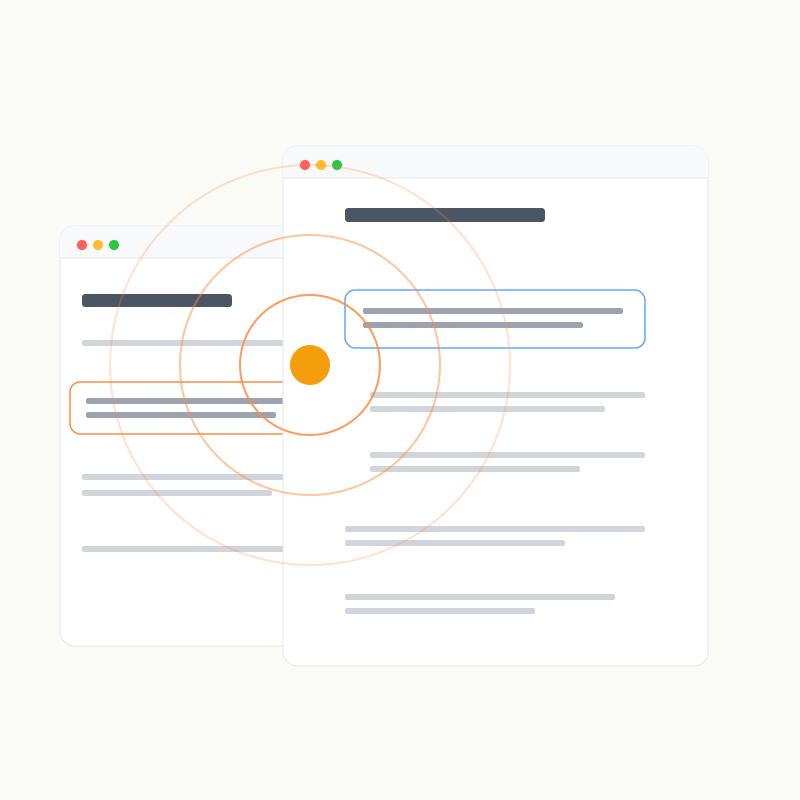
Markon Live lets one browser broadcast its reading context while browsers in Follow mode move to the same page, position, and focus.
Modes
- Off: read independently without sending or receiving actions.
- Broadcast: publish page, scroll position, section focus, text selection, and Viewed changes.
- Follow: receive those actions and navigate, scroll, and highlight accordingly.
Each browser chooses its own mode. People who do not follow remain independent.
What synchronizes
- page navigation and relative reading position in documents and diffs;
- section focus selected by click or
j/k; - text selections and clearing them;
- Viewed changes.
Each browser picks a representative color used for the collaboration orb, focus hint, and selection. No account or nickname is required.
Enable Live
Turn on Live in the global defaults for new workspaces, on an individual workspace page, or with:
bash
markon set <ID|INDEX> live on| Shortcut | Action |
|---|---|
| l | Follow ⇄ Broadcast; from Off, enter Follow |
| Shift+l | Off ⇄ last active mode |
Live exchanges instructions only between browsers connected to the same Markon service. It does not call an external cloud Provider; transport encryption depends on your HTTPS or proxy configuration.