Section printing
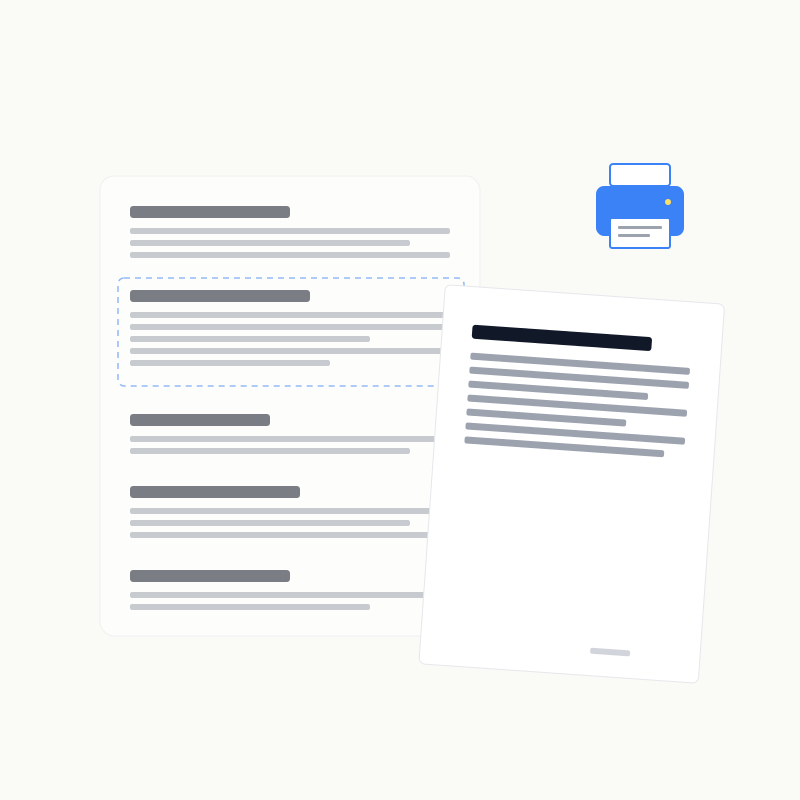
Focus an H2–H6 heading and choose Print to print only that section. H1 prints the complete page.
Section range
A section begins at the selected heading and ends immediately before the next heading at the same or a higher level. Nested subsections are included.
Preserved output
Print keeps GitHub-style typography, syntax-highlighted code, supported diagram SVGs, tables, lists, quotes, highlights, strikethrough, and Note content. It hides Viewed controls, editor/print/fold actions, TOC, search, shortcuts, and screen-only Note containers.
Browser limitations
Some mobile browsers block the temporary print window. Allow popups and retry, or use the browser's full-page print command and choose a page range. Select “Save as PDF” for a PDF. For editable review text instead of page styling, use Export Notes.