Workspace Spotlight
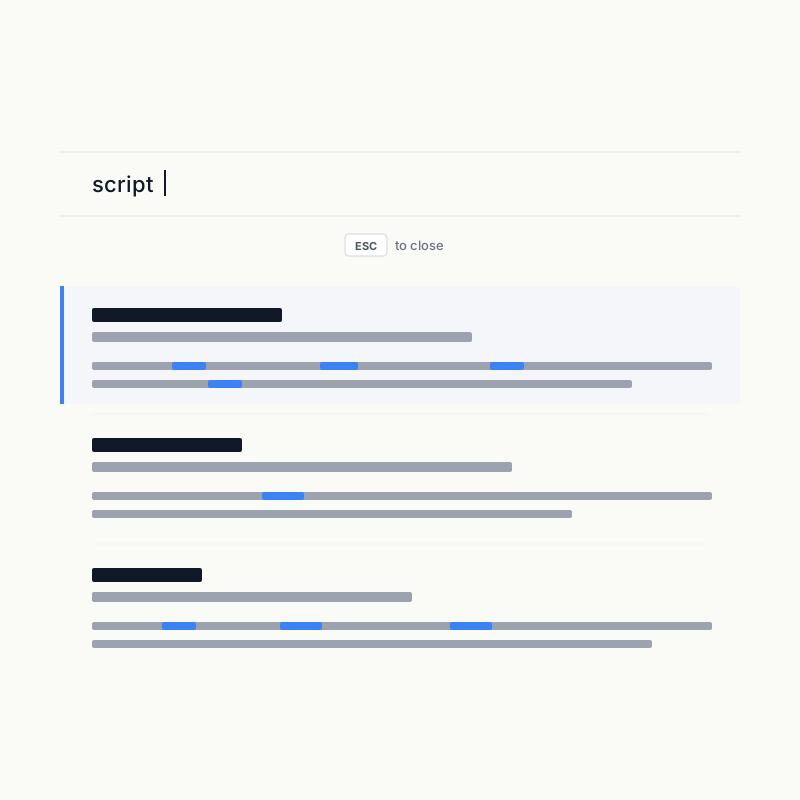
Workspace Spotlight combines file navigation and full-text search. Press / or g, use the arrow keys, press Enter to open, and Esc to close.
File navigation
The file API returns the workspace-relative path, file name, Markdown status, first top-level H1 title, and accessible URL. H1 extraction uses the same Supramark AST as rendering, so Setext headings and inline formatting work while code blocks and blockquotes do not become false titles.
Navigation obeys WorkspaceFs capabilities and ignore rules. A single-file workspace returns only its fixed file.
Full-text search
When Search is enabled, Markon builds a Tantivy index for Markdown:
| Field | Behavior |
|---|---|
| path | Exact route key for incremental replacement |
| file_name | Indexed and stored |
| title | First heading, falling back to the file name |
| content | Indexed without storing a duplicate full body in Tantivy |
Queries cover file name, title, and content. Result snippets are read through WorkspaceFs on demand.
Chinese, Latin text, and case
Indexing and queries use Jieba tokenization plus lowercasing. Chinese is segmented into words, Latin text is case-insensitive, and CJK text is unaffected by case handling.
Index lifecycle
The index lives in a temporary memory-mapped directory and is removed when the service exits. Initial reads are batched, writes share one protected path, and watcher events are coalesced before commit and reader reload. Topology or ignore-rule changes rebuild the route set.
Limits
- Only
.mdcontent is indexed, although file navigation may include other allowed files. - Search never crosses workspace boundaries.
- Code blocks remain part of searchable Markdown content.
- Disabling Search removes content results but not file navigation.